Our product
RavenMCP
A design toolkit for AI coding agents, and the website where people try it, read the documentation and install it.
The problem
Coding agents can build a page from a prompt, but they work from text. The person using one had to describe in words which element to change, and check by eye whether the result followed basic design rules, such as text with enough contrast and buttons large enough to tap.
The goal
A free, open-source toolkit any coding agent can use: one that lets a person point at the part of the page they want changed, and checks the result against named design rules. And a site that shows it working before anyone installs it.
Decision 1
An MCP server for design
RavenMCP is an MCP server. MCP, the Model Context Protocol, is an open standard that lets an AI assistant such as Claude or Cursor use outside tools. Once Raven is installed, the agent can call it while it builds.
Raven gives the agent design principles, such as Nielsen’s heuristics and the WCAG accessibility rules, UI patterns for pages like sign-up and pricing, and design tokens from twelve named design systems. Its audits check a page for contrast, tap targets and typography, and each finding names the rule it breaks.
Decision 2
Raven Design
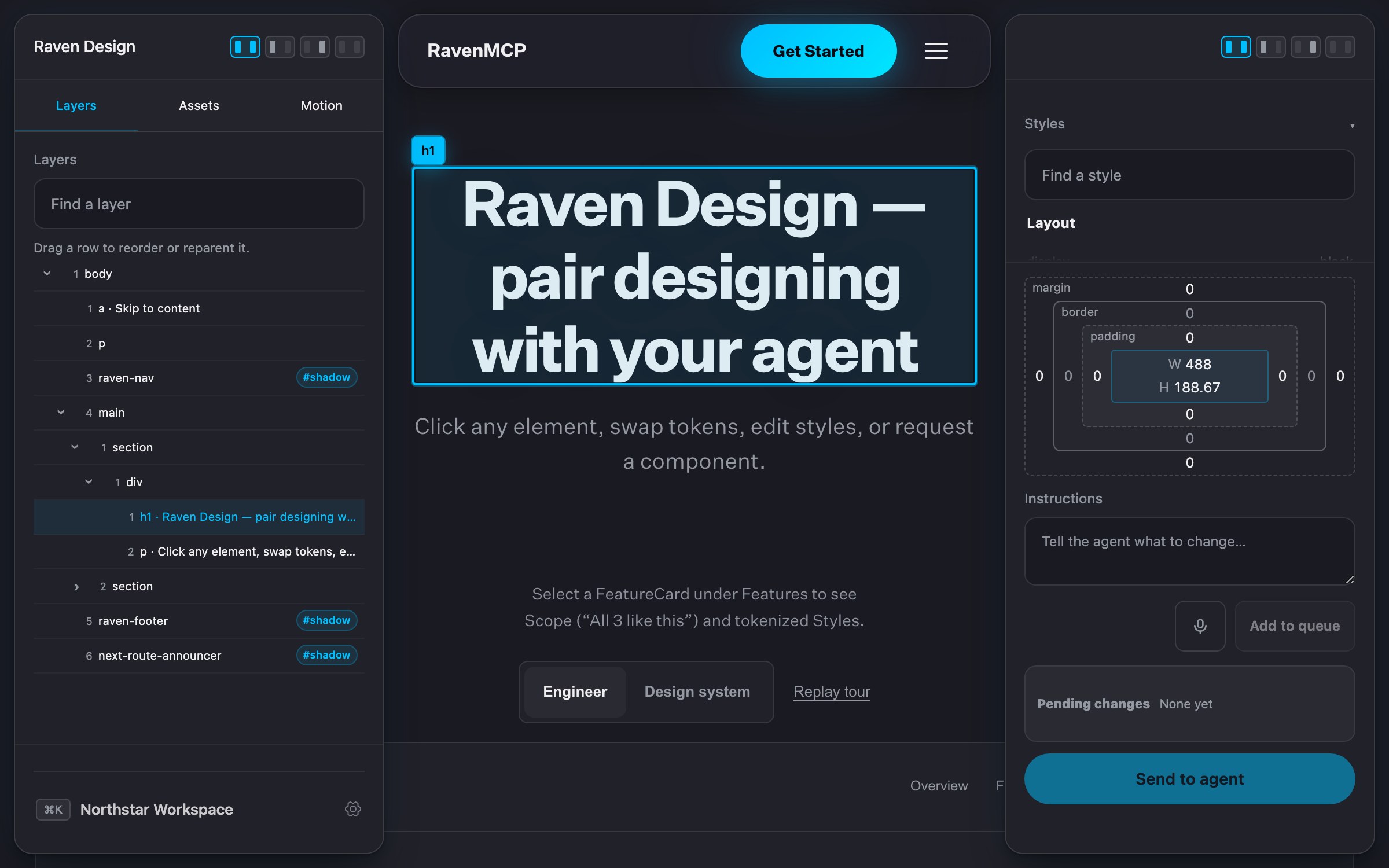
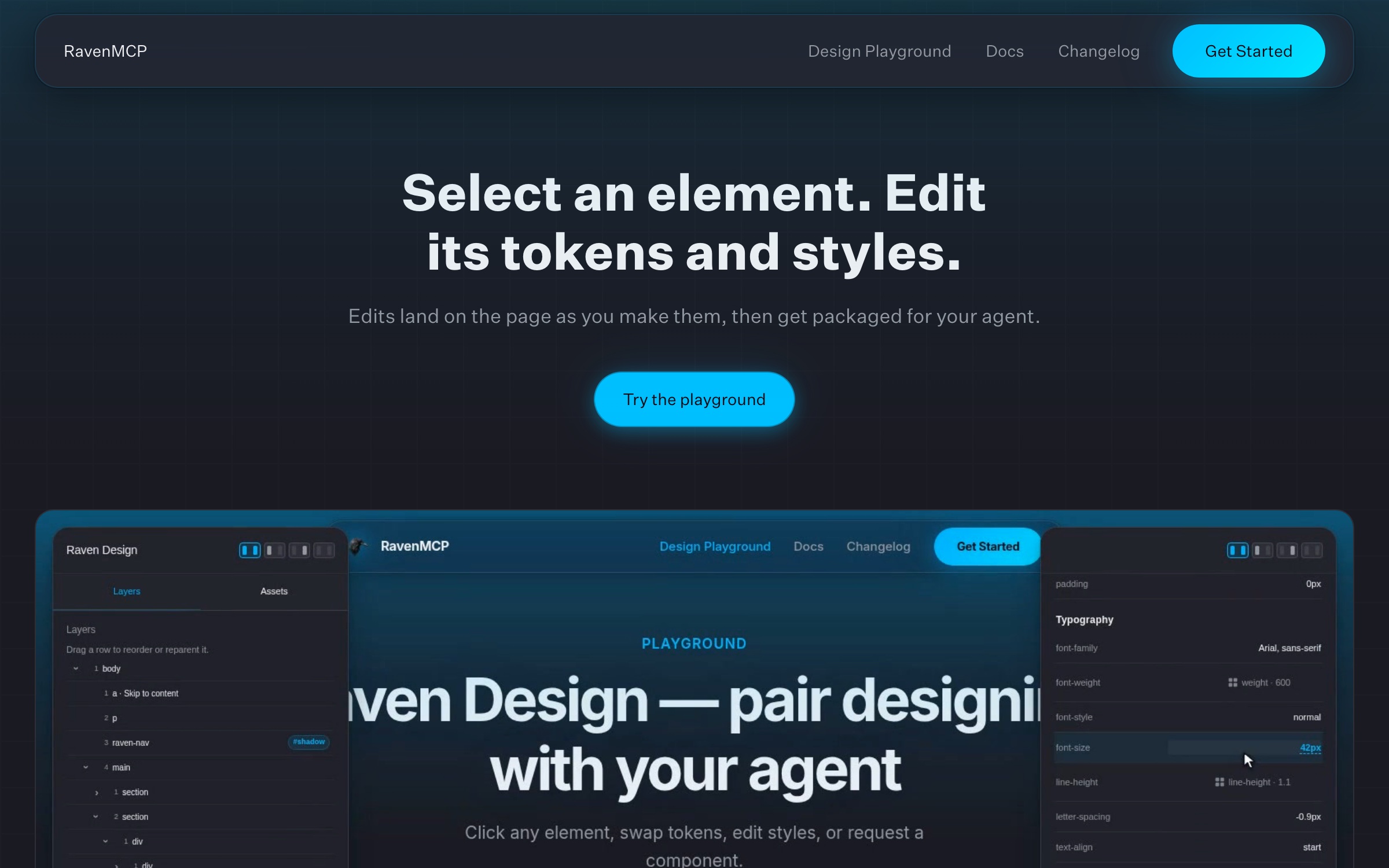
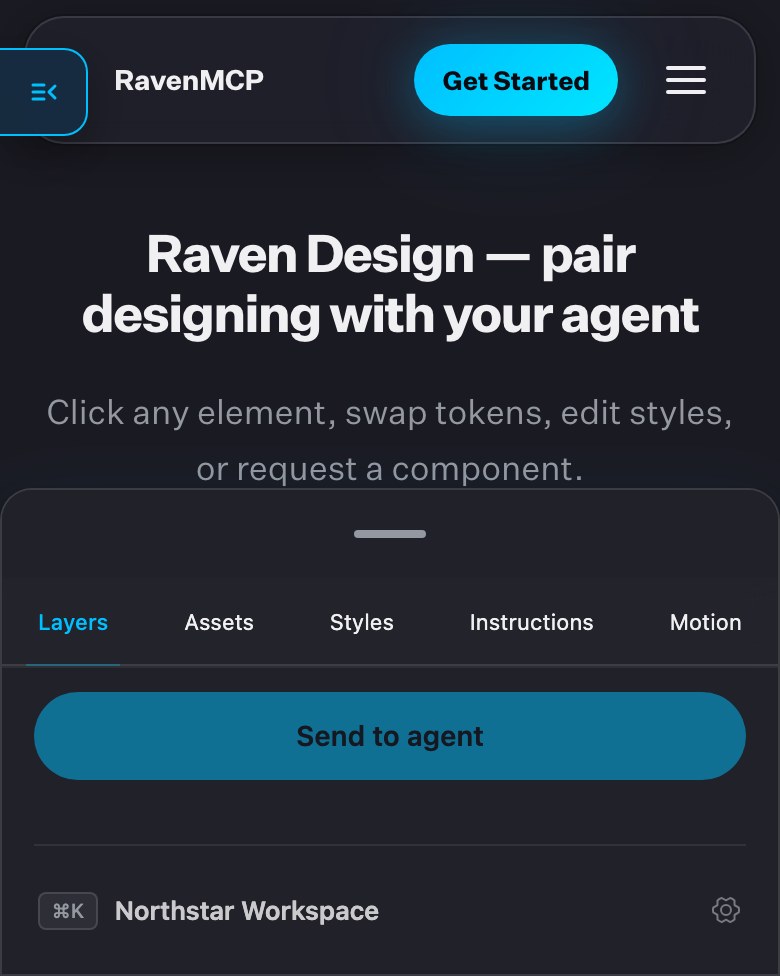
Raven Design puts a panel on the page you are running on your own computer: you click an element and say what should change.
Raven sends the agent that element’s selector, its computed styles and the design tokens that match it. The styles can be edited in the panel, and the page changes as you edit; the edits go to the agent with the request.
Decision 3
Taste profiles
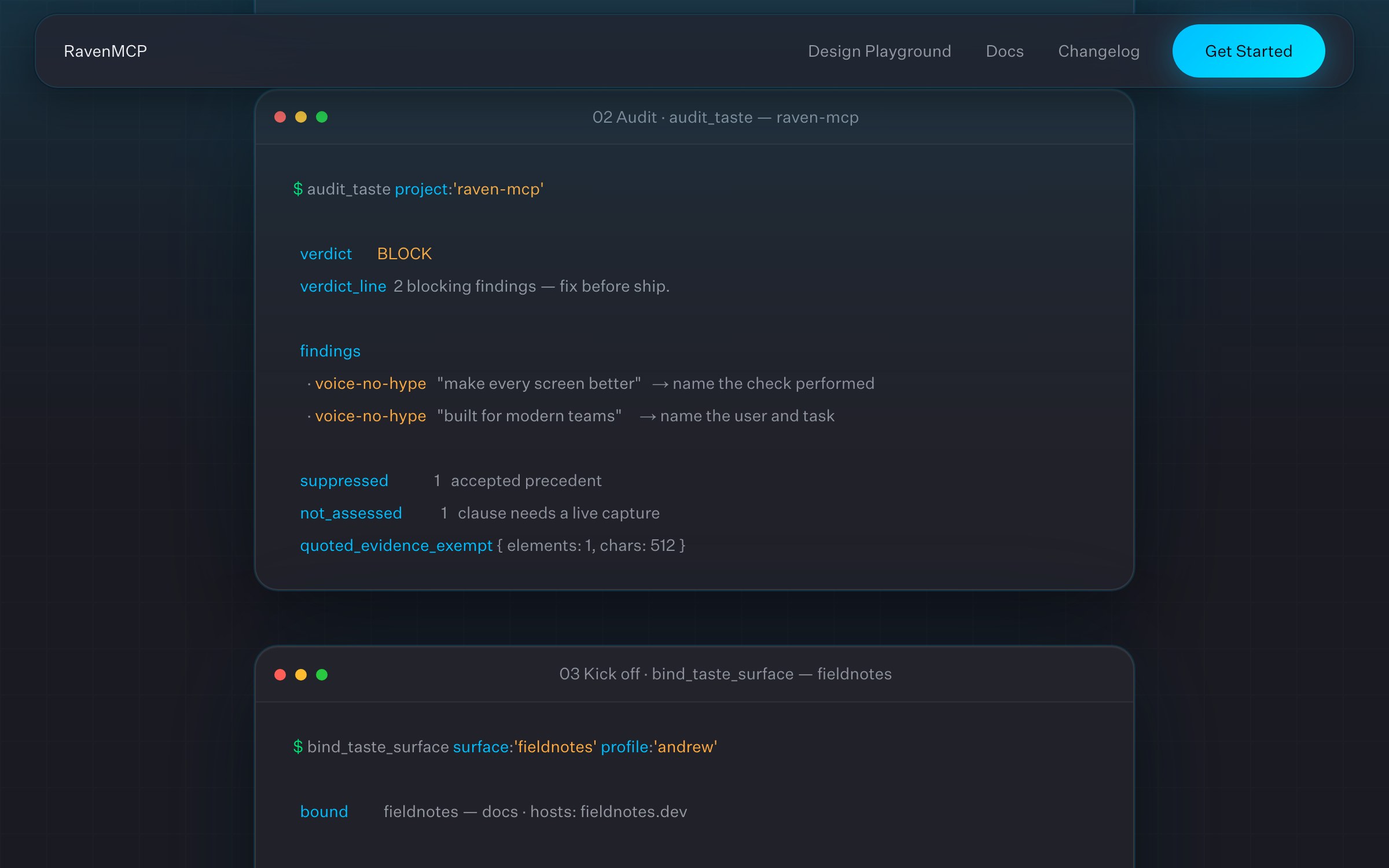
Raven starts each project with a short interview about how it should look and sound, and keeps the answers as that project’s profile.
From then on, audit_taste checks the work against the profile and returns block, warn or pass, with the rule behind each finding. When someone accepts or corrects a choice, Raven records the decision, and recorded decisions shape the next project’s interview.
The build
The website
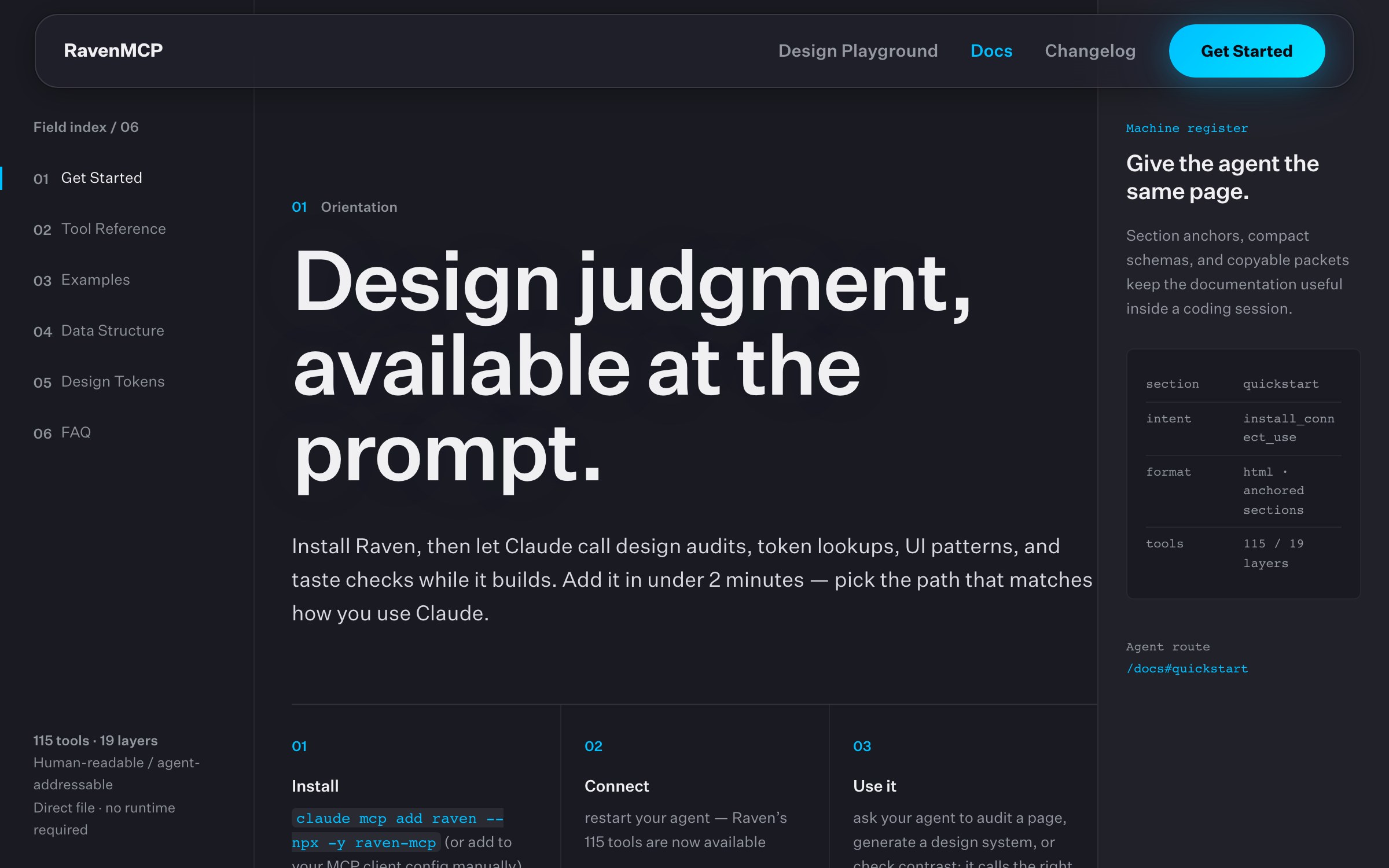
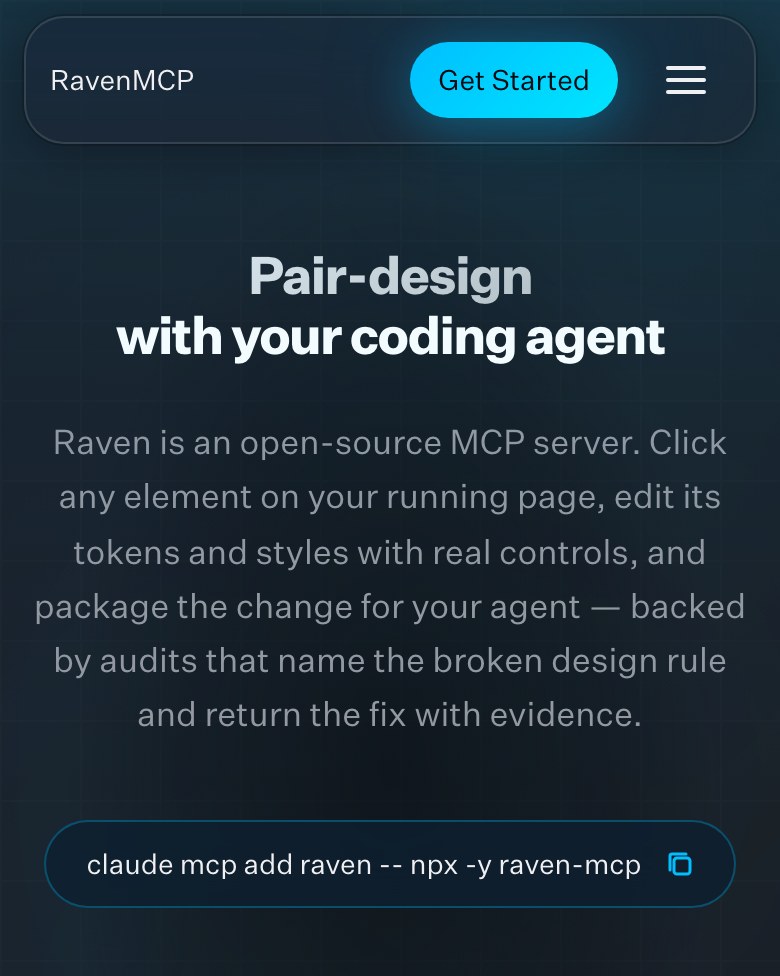
ravenmcp.ai is for people deciding whether to add Raven to their agent. Installing it takes one line, claude mcp add raven -- npx -y raven-mcp, and in Claude Desktop it installs from a file you double-click.
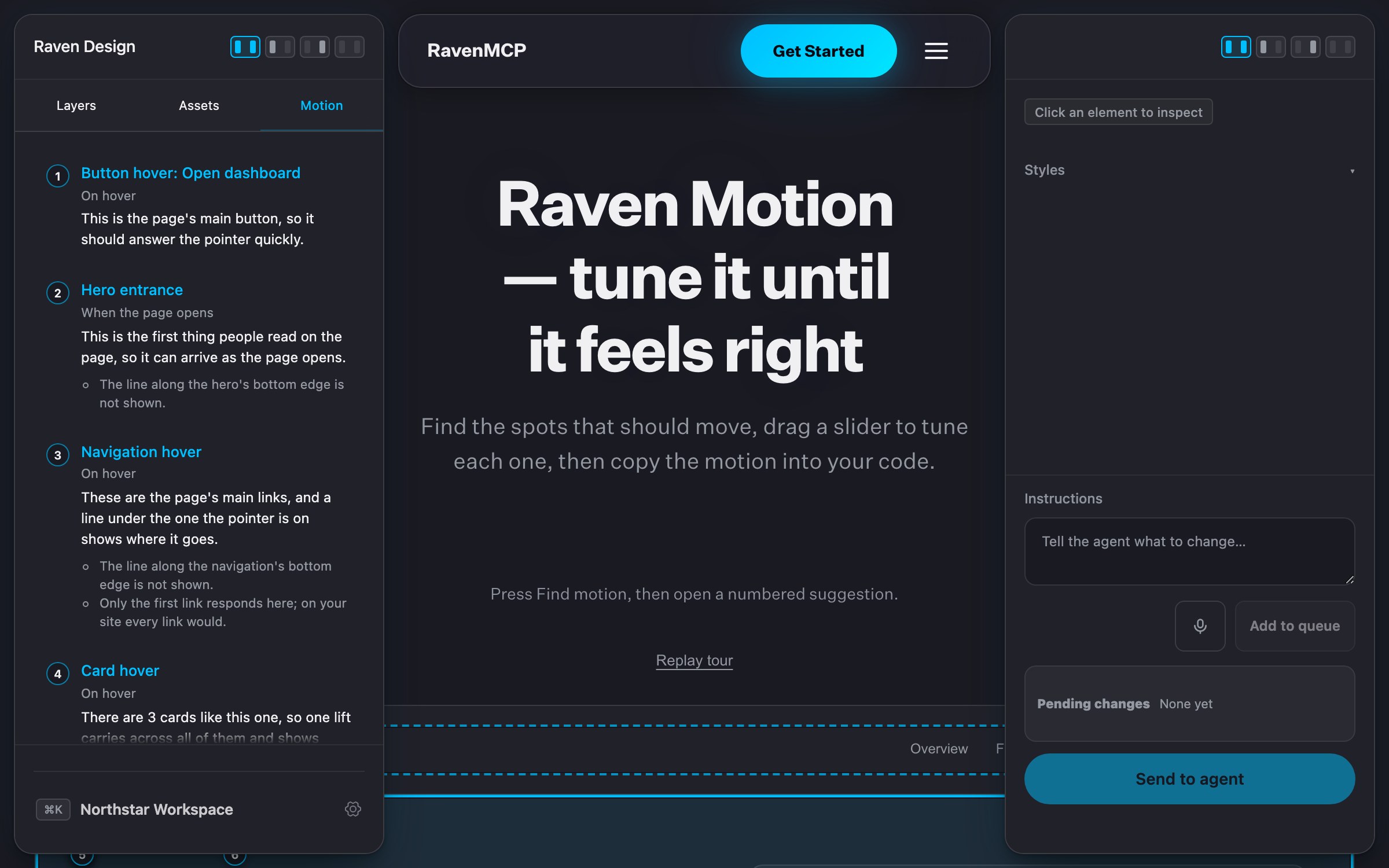
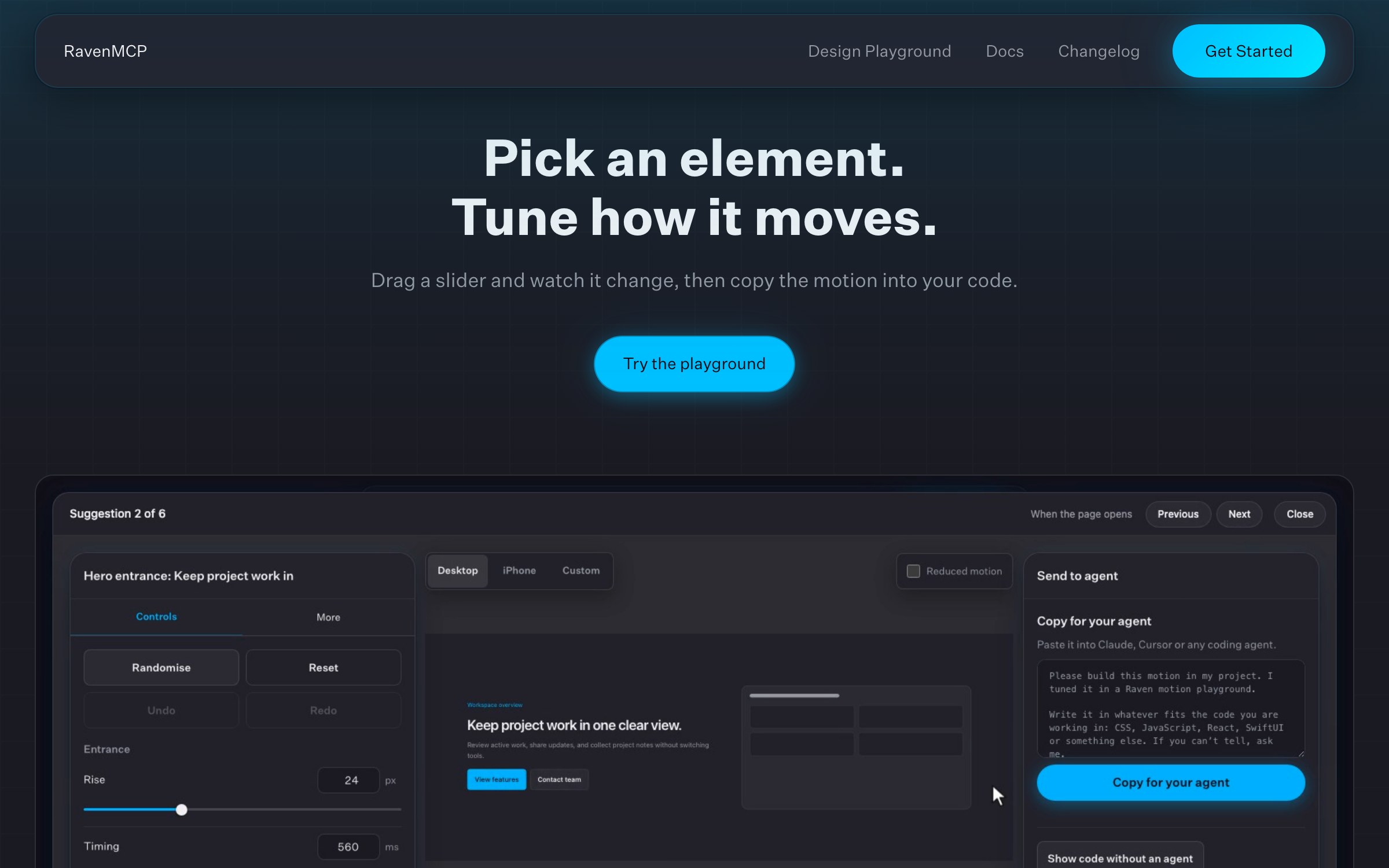
The playgrounds on the site run on a sample page in the browser, with nothing to install: you can select an element and edit its styles, or let Raven Motion find the places where motion would help and tune each one with sliders. The documentation is written for people and for agents, with section anchors and compact schemas an agent can use in a coding session. We designed the site and built it in Next.js.
The result
Open source
We published the first version on April 12, 2026, and version 3.0, which adds Raven Motion, on November 4, 2026. RavenMCP is free under the Apache 2.0 license.